# Stylesheet

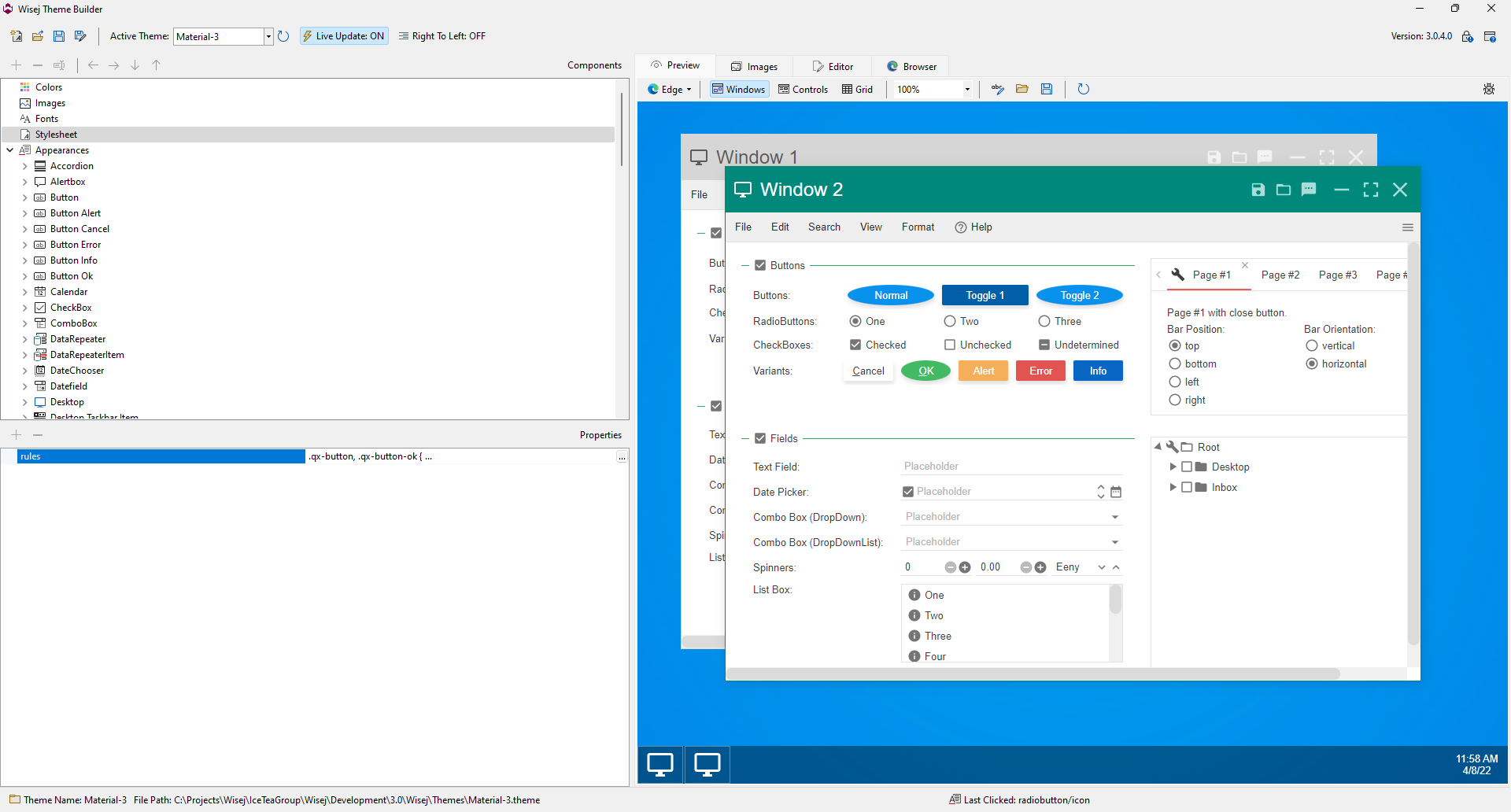
You can add any CSS style to a theme in the **Stylesheet** section. It allows a theme to also style third party widgets and to define CSS rules outside of the [appearances](/theme-builder/theme-elements/appearances.md).

![](/files/ajSbTQ8mMuHfJKUWHMe3)

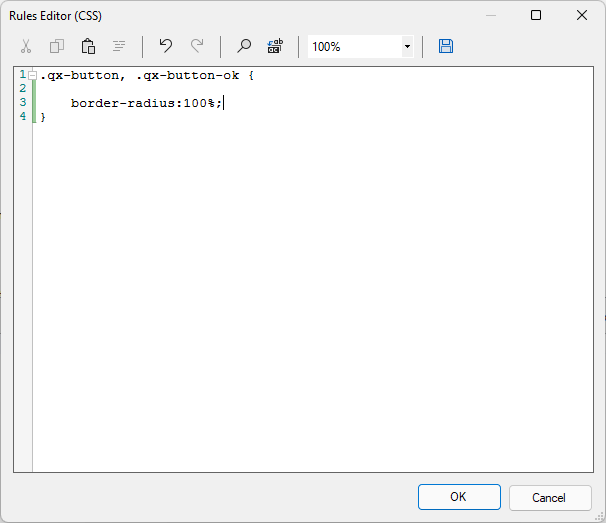
Click the ... button next to **rules** in the property grid to show the code editor. In the code editor you can enter plain CSS rules. The image below shows a rule for the .qx-button class. It is applied to all Wisej buttons that don't have a particular active state.
![](/files/x43mWPZ9JLYnC4FGPYs3)

{% hint style="danger" %}
We recommend to use the Stylesheet section only to style third-party widgets. If you use it to change the styles created by the theme system you risk breaking the appearance of the widget and for the CSS rules to be overridden by the theme system.
{% endhint %}


---

# Agent Instructions: Querying This Documentation

If you need additional information that is not directly available in this page, you can query the documentation dynamically by asking a question.

Perform an HTTP GET request on the current page URL with the `ask` query parameter:

```
GET https://docs.wisej.com/theme-builder/theme-elements/stylesheet.md?ask=<question>
```

The question should be specific, self-contained, and written in natural language.
The response will contain a direct answer to the question and relevant excerpts and sources from the documentation.

Use this mechanism when the answer is not explicitly present in the current page, you need clarification or additional context, or you want to retrieve related documentation sections.